Scenes are the meat of a hymn, and consist of a collection of entities arranged in a tree structure. Child entities are relative to their parent entities.
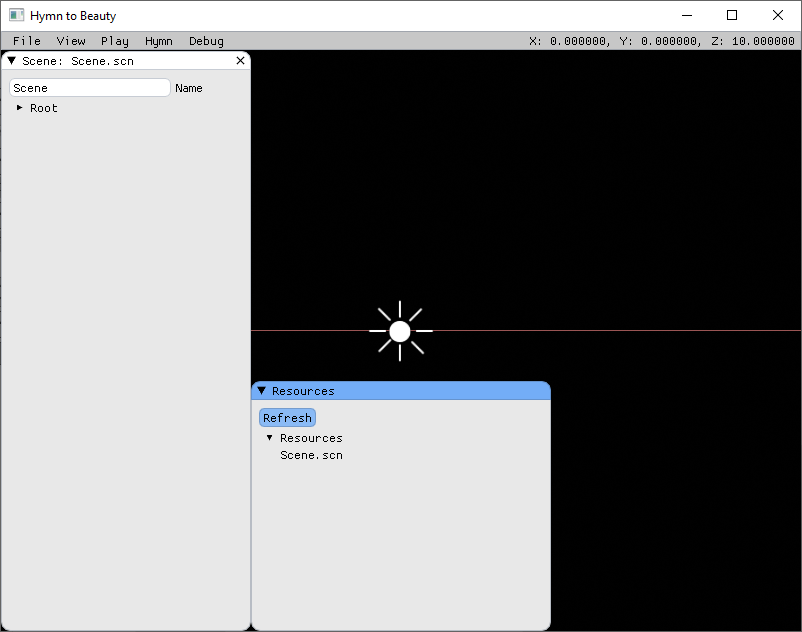
Navigating the scene tree
Entities that have children will have an arrow to the left of their name which indicates if they are expanded or collapsed.

To expand an entity click on the arrow or its name. This will show all of its children.

The default scene comes with two entities: Player and Sun.
Clicking on an expanded entity will collapse it and hide its children again.
Navigating the 3D preview
While holding the middle mouse button, you can move the mouse to look around and use WASD to move around the scene.
Renaming the scene
To rename a scene, enter a new name in the Name field and press Enter.

Adding an entity
To add child entities to an entity, right click on it and select Add child.
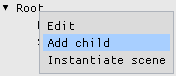
A new entity will be created. This entity can in turn have its own children that are relative to it (and so on). An entity can have any number of children.
Deleting an entity
To delete an entity, right click on it an select Delete.
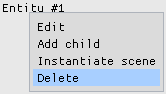
The root entity of a scene can't be deleted.
Editing an entity
To edit an entity, right click on it and select Edit.
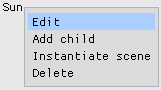
This will open the entity's properties.
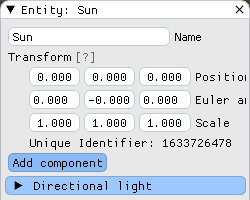
You can edit the name, position, rotation and scale of the entity. You can enter the values for these directly, but you can also use the gizmo in the main viewport to move the entity around, rotate it and scale it.
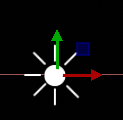
If the gizmo is not visible, hold the middle mouse button and move around the scene to find it.
The gizmo has three different modes: position, rotation and scale. To switch between these modes use the following keyboard commands.
| Key | Mode |
|---|---|
| W | Position |
| E | Rotation |
| R | Scale |
Reparenting an entity
Click on the Sun entity in the scene tree and drag it onto the Player entity.

The Sun entity is now a child of the Player entity.

Right click on the Player entity and select Edit. Now move the player around. Notice how the sun also moves around. Child entities are relative to their parents.
If you no longer want the Sun to be relative to the Player, click and drag the entity onto the Root entity. It is now a child of Root instead. The root entity can not be reparented.